Imagery
What a Silkware picture shows, how it carries the brand, and the rules for corners, edges, text on a picture, dark mode and alt text.
A Silkware picture shows people at work in the companies Silkware serves, their Silkware engineer beside them, or a real piece of the product. It is candid and documentary, in available light. It is never abstract texture: silk, threads and gradients were tried and set aside.
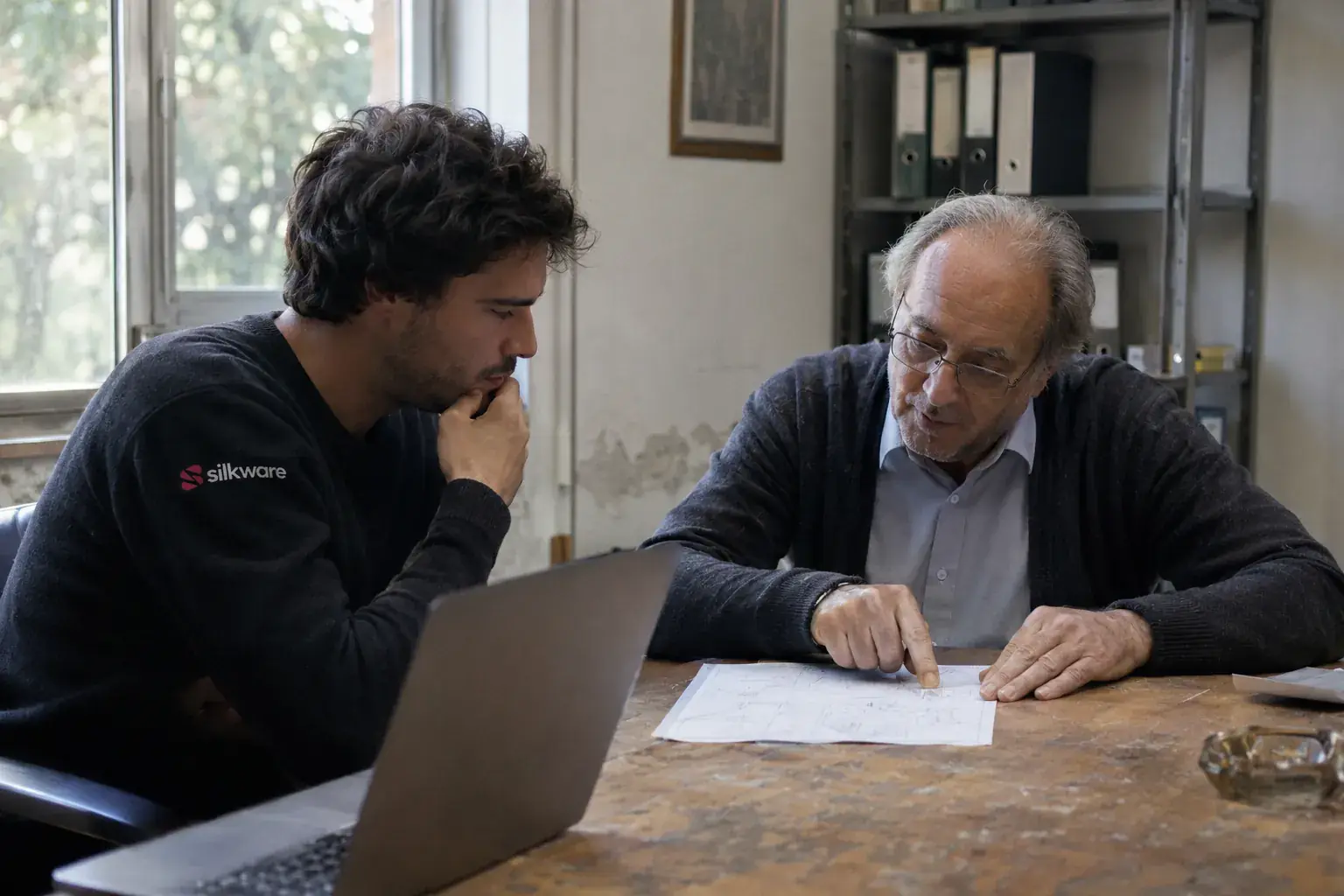
What a picture shows
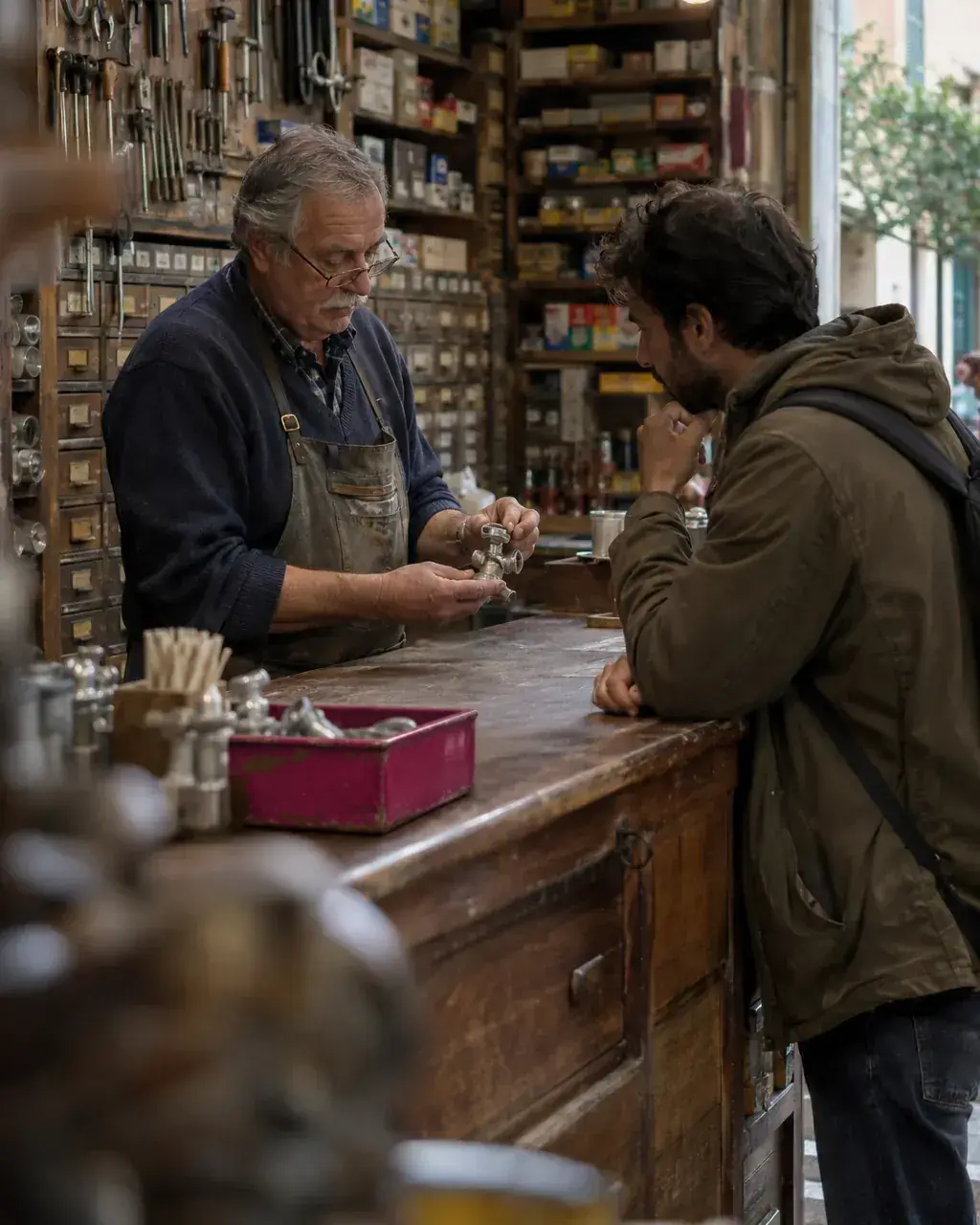
- People at work in mid-market companies: offices, warehouses, workshops, shop floors, shops.
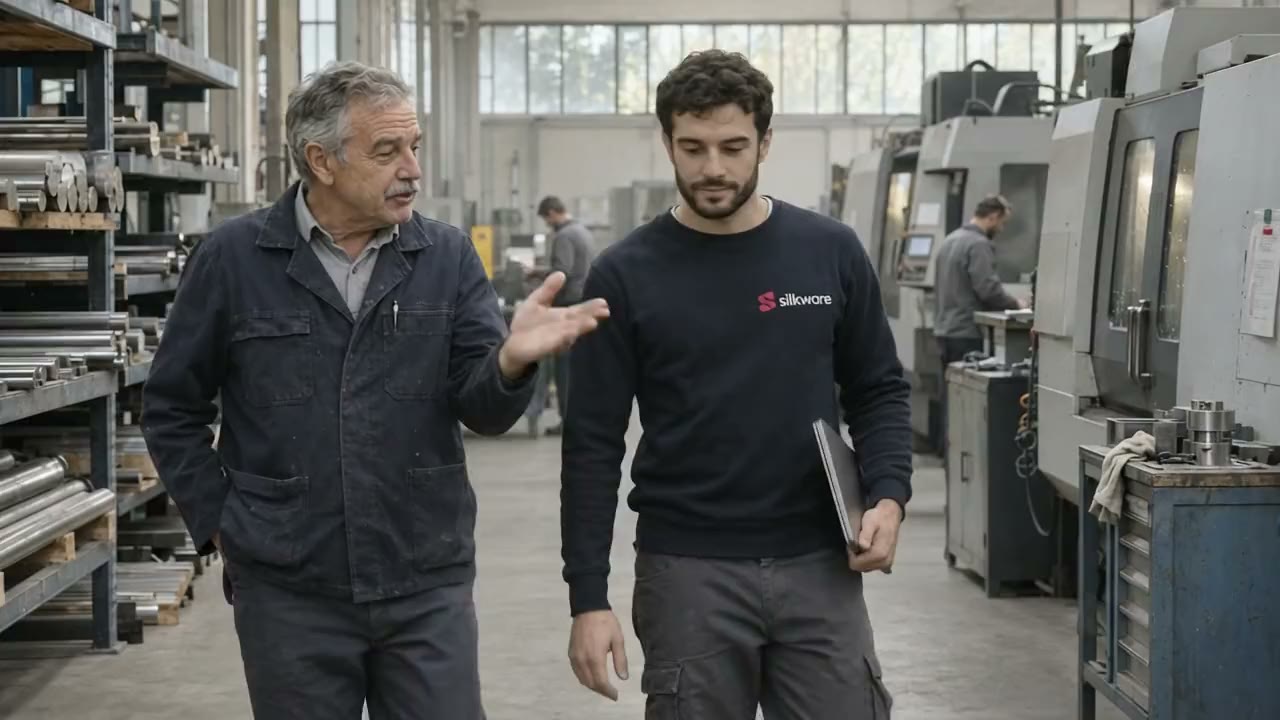
- Or the Silkware engineer beside them: at the owner's table, at the server cabinet, at the packing bench.
- Or a real fragment of the product, drawn as interface. Use the real components for this, not a screenshot of a mock-up.
- One abstract image is kept: the silk still that closes the Agentic OS page. Do not make others.
How a picture carries the brand
A Silkware engineer in the frame wears the logo: the S in crimson and the word in white, a small print on the left chest, or on the upper sleeve when the chest is turned away. In the picture above it is on the sleeve.
A picture with no engineer carries one natural object in crimson, such as a binder, a mug, a pallet jack or a key tag, and nothing else red.
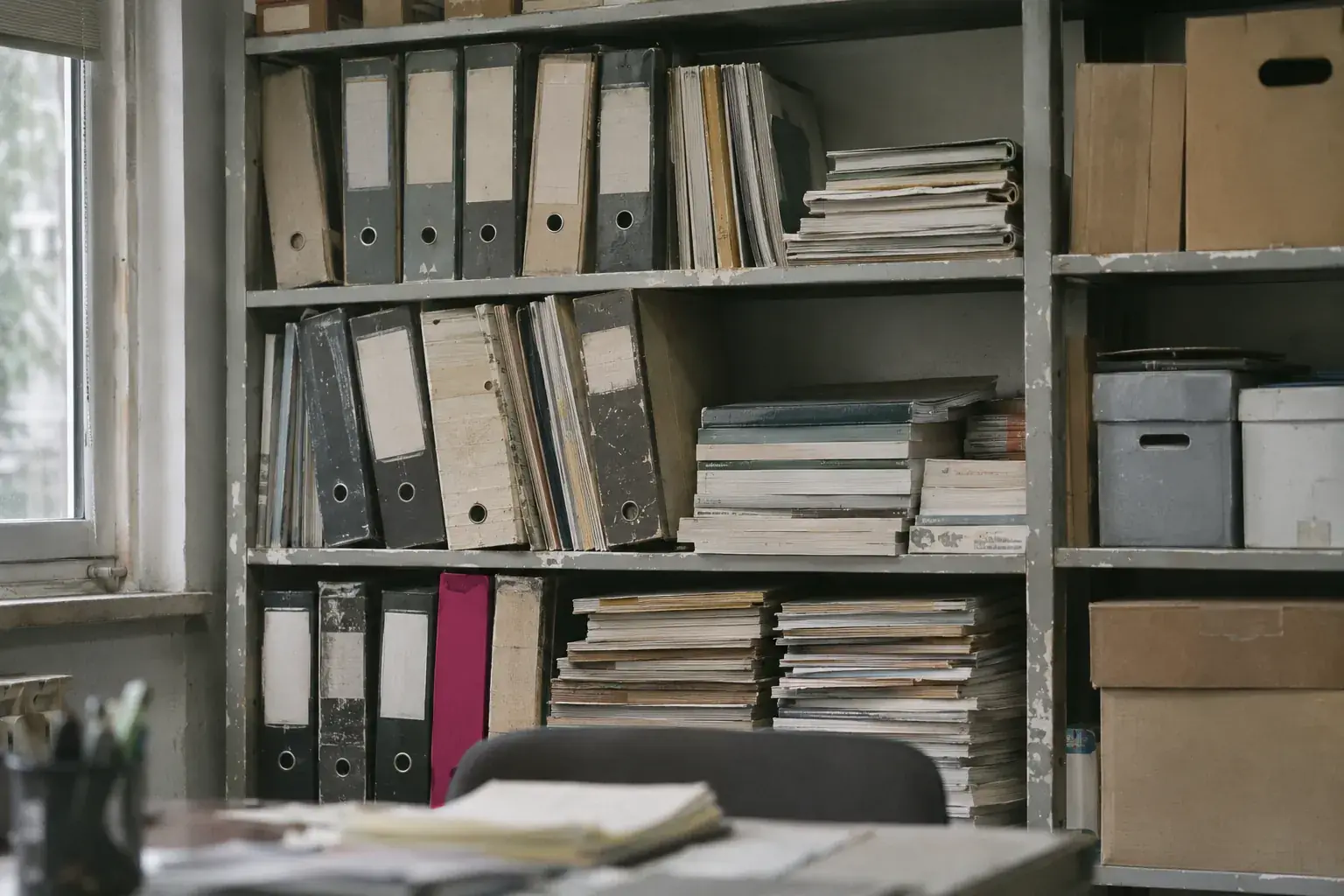
Colour sits with the system: neutral or desaturated grounds, warmth or a pink cast at most. Avoid strong blues and oranges that compete with crimson.


Using pictures
One dominant picture per screen
Make it large. A second picture on the same screen competes with the first.
Corners and edges
A picture that runs to the edge of the screen has square corners. A picture inside the grid takes rounded-xl (the card radius, 12px), with a one pixel hairline drawn over it. In the examples the hairline is a ring-1 ring-border on an overlay, because an outline on the image itself would be covered by the image.
One picture, one page
A photograph is written for its slot and shown on one page. The repeats allowed are the five trades' covers, the founders' photograph, and the loops. Do not reuse the reference photographs as stock.
Text on a picture
Text sits on a flat scrim, never on a gradient wash across the whole frame. Use bg-field at an opacity and put data-theme="dark" on the content.
An engineer learns how the shop works
Put text on a flat dark scrim.
An engineer learns how the shop works
Don’t wash the frame with a gradient to hold text.
Both modes
Light and dark use the same photographs. In dark they drop to brightness(0.9) so they do not glare off the black ground. Add dark:brightness-90 to the image, as the examples on this page do. See Dark mode.
Sizes
The brand ships every photograph with a 640px wide WebP beside the full file (name-640.webp) and uses srcset and sizes. The reference photographs used on this page are the full files only, in public/brand/imagery/. For your own pictures, prepare both sizes, and use loading="lazy" below the fold. Always give width and height so the page does not jump.
Alt text
Describe the scene in a sentence: who is there and what they are doing. The examples on this page are written that way. Do not start with "image of", and do not repeat the caption.
People
- Generated or stock people are never presented as customers or as the team.
- The founders' photograph is their own photograph. Their faces are never altered.
- Customers appear as logos, not as portraits.
The reference set
The files in public/brand/imagery/ are a reference set copied from the brand source, one of each kind, and not a library. Each is written for one slot on one page.
| File | Shows |
|---|---|
hero-people-poster.jpg | An owner and the Silkware engineer walking a workshop. |
engineer-owner-meeting.webp, how-unwritten-rules.webp | The engineer at work with the client, the logo on the sleeve or chest. |
industry-manufacturing.webp, industry-distribution.webp, industry-retail.webp | Three of the five trades' covers, tall crops. |
platform-binders-catalogues.webp | No people, one crimson binder. |
team-founders.webp | The founders in the Milan office. |
os-silk-poster.jpg | The silk still, the one abstract image kept. |
Related
- Logo for the mark on a picture.
- Principles for the fifth brand rule.